
Wednesday, November 28, 2012


Saturday, December 18, 2010
Contest entries and self learning
Hello my friends,
Following are my contest entries and self learning try!


 |
| Hell Gate |
Source images: Gate, Dark Sky, Skull on a wall, Skull on gate, Bottom skull
Medieval Device image was provided: http://www.pxleyes.com/photoshop-contest/16354/medieval-device.html
 |
| Fairy |


Tuesday, December 7, 2010
3D animation
Few 3D animation which I had created.
Universe render in Blender 3D
Created in Blender 3d software. Background created in Photoshop and mapped it on UV sphere.
Copyright content please do not use it anywhere.

http://www.youtube.com/watch?v=wTBcr2qWriw
Human brain Rotation in Blender
Face model took from Poser 7 pro and rendered in Blender...
Copyright content please do not use it anywhere.

http://www.youtube.com/watch?v=orRJ0FtOkj4
Comments and suggestion are most welcome.
Universe render in Blender 3D
Created in Blender 3d software. Background created in Photoshop and mapped it on UV sphere.
Copyright content please do not use it anywhere.

http://www.youtube.com/watch?v=wTBcr2qWriw
Human brain Rotation in Blender
Face model took from Poser 7 pro and rendered in Blender...
Copyright content please do not use it anywhere.

Comments and suggestion are most welcome.
Friday, November 26, 2010
Environment matte painting!
Environment matte painting! Just a try.
 |
| Environment matte painting |
 |
| Source image: all images are captured by me. |
 |
| Environment matte painting_02 |


Thursday, November 25, 2010
Cityscape matte painting
Here is my R&D with cityscape matte painting. Thanks to Photos8 for providing the source image.
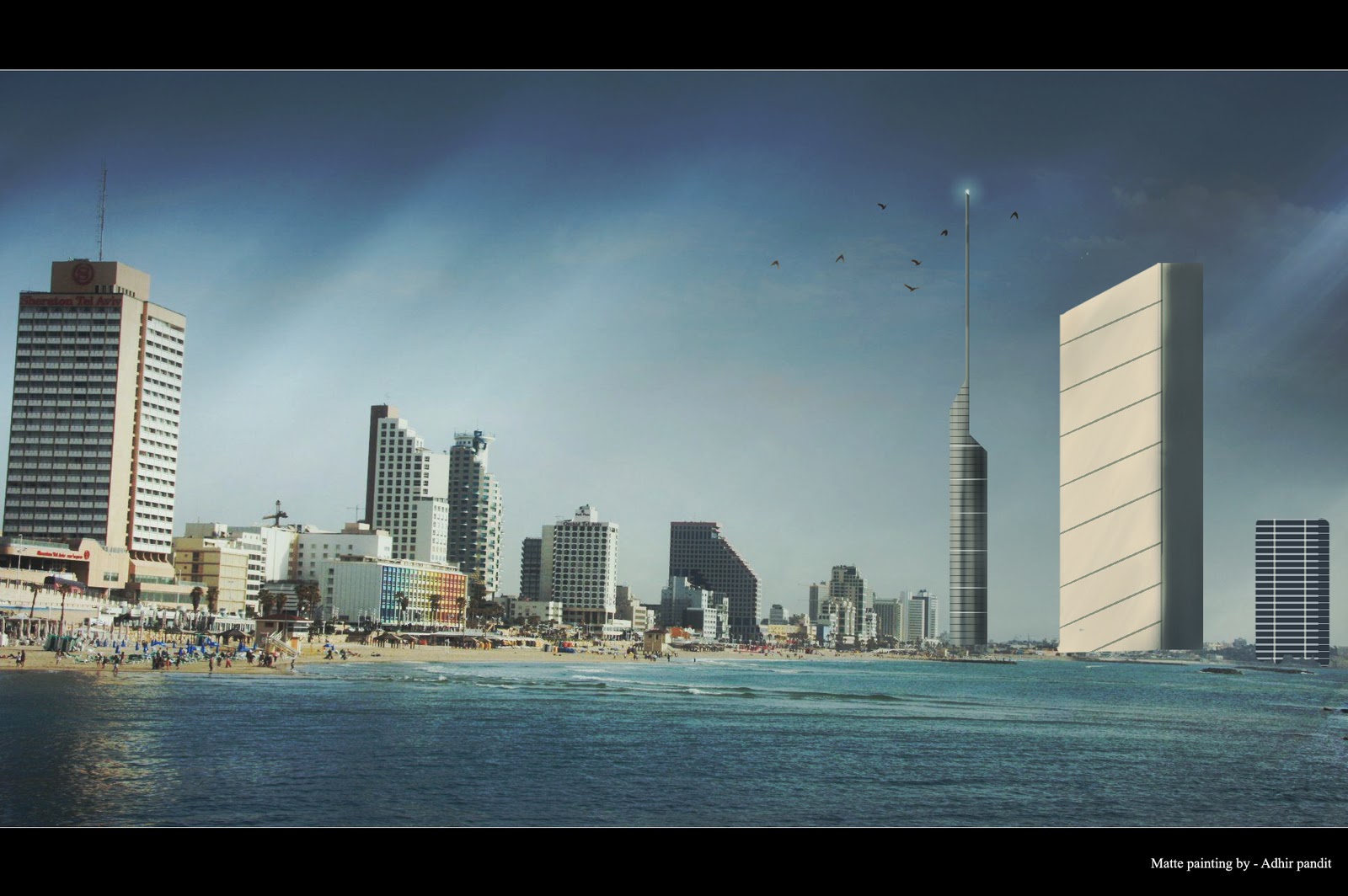 |
| Cityscape matte painting |
 |
| Source image |
Image manipulation in photoshop
Few image manipulation in Photoshop! First two images are created by following tutorials..


Own concept!

Source images: Umbrella girl , Flying Birds, Storm Clouds in the Desert
 |
| Alone |
Source images: Girl, City
Rest of all is created by using my personal brush.
 |
| Lord Buddha Source images: Background, Buddha Statue |

Source images: Mystical Fountain, Background, Model


Monday, November 15, 2010
Entry for 'Phata Poster Nikla Hero' contest of MET education - Celebrating Game Changers
Here is my submission for "Phataa Poster Niklaa Hero contest" of MET education.

Thanks to Aditi Jagtap for being my partner in this contest. Met provided is the raw images for poster creation.

Wednesday, October 27, 2010
Planet in Photoshop
Hay...
My quick try to create planet in Photoshop, used self captured photo as texture for planet and for galaxy I used image which I downloaded from www.stockvault.net
My quick try to create planet in Photoshop, used self captured photo as texture for planet and for galaxy I used image which I downloaded from www.stockvault.net
Let me know if you have any suggestions!
 |
| Planet in Photoshop |
Sunday, October 17, 2010
My Photoshop custom brush set
Hi All,
Here is my custom high resolution brush preset. You may freely use these brushes for both personal and commercial projects.
However offering them for sale is strictly forbidden. If possible kindly provide link to your work (created using these brush) so that other can also use these brushes.
Special thanks to http://photos8.com/ for providing stock image which I used to create these brushes!

I will love to see your work using this brush.
Download
Here is my custom high resolution brush preset. You may freely use these brushes for both personal and commercial projects.
However offering them for sale is strictly forbidden. If possible kindly provide link to your work (created using these brush) so that other can also use these brushes.
Special thanks to http://photos8.com/ for providing stock image which I used to create these brushes!

I will love to see your work using this brush.
Download
Ninja in moon light
This one is my incomplete art. I want to show snow everywhere with distance mountain.
I took ninja image from - http://superiormartialarts.com/images16/ninja%5B1%5D.jpg and the background from http://photos8.com/

 |
| Concept art - Ninja in moon light. |
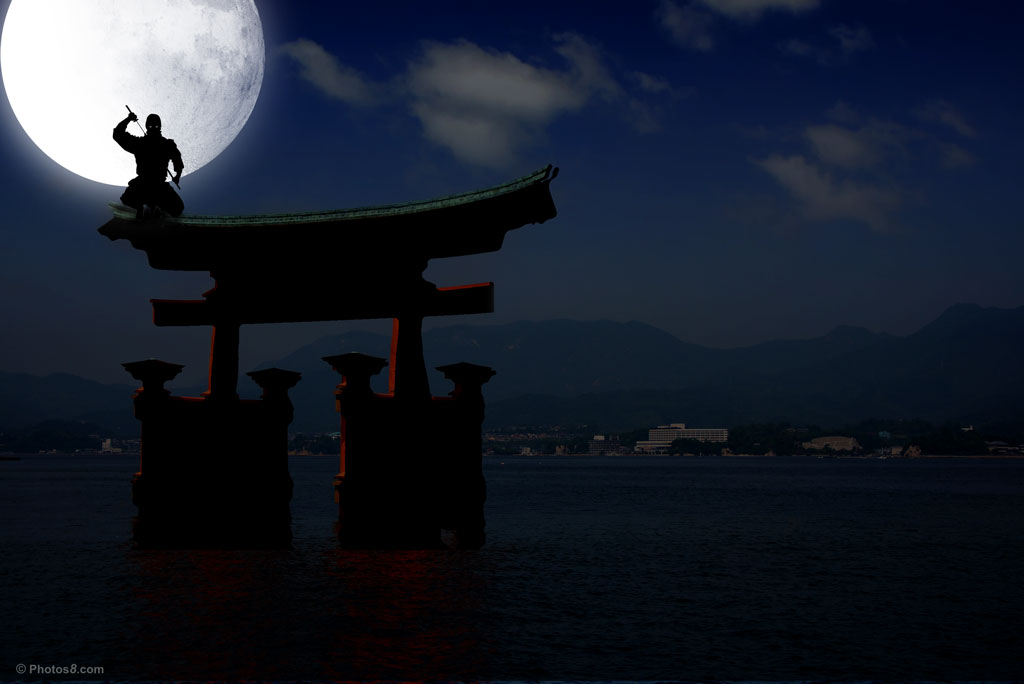 |
| Close up |
Matte painting try
Here is my new matte painting try. Not happy with output, let me know if you have any suggestion to improve this! Thanks in advance :)
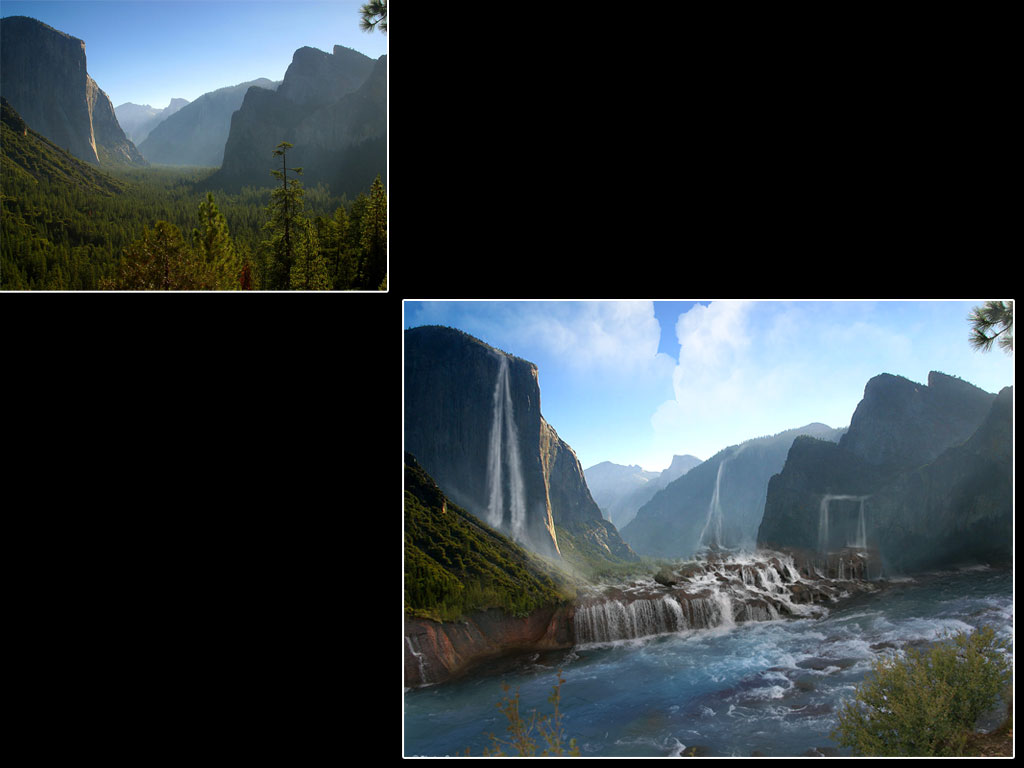 |
| Waterfall matte painting with source plate |
 |
| Close up |
Saturday, October 16, 2010
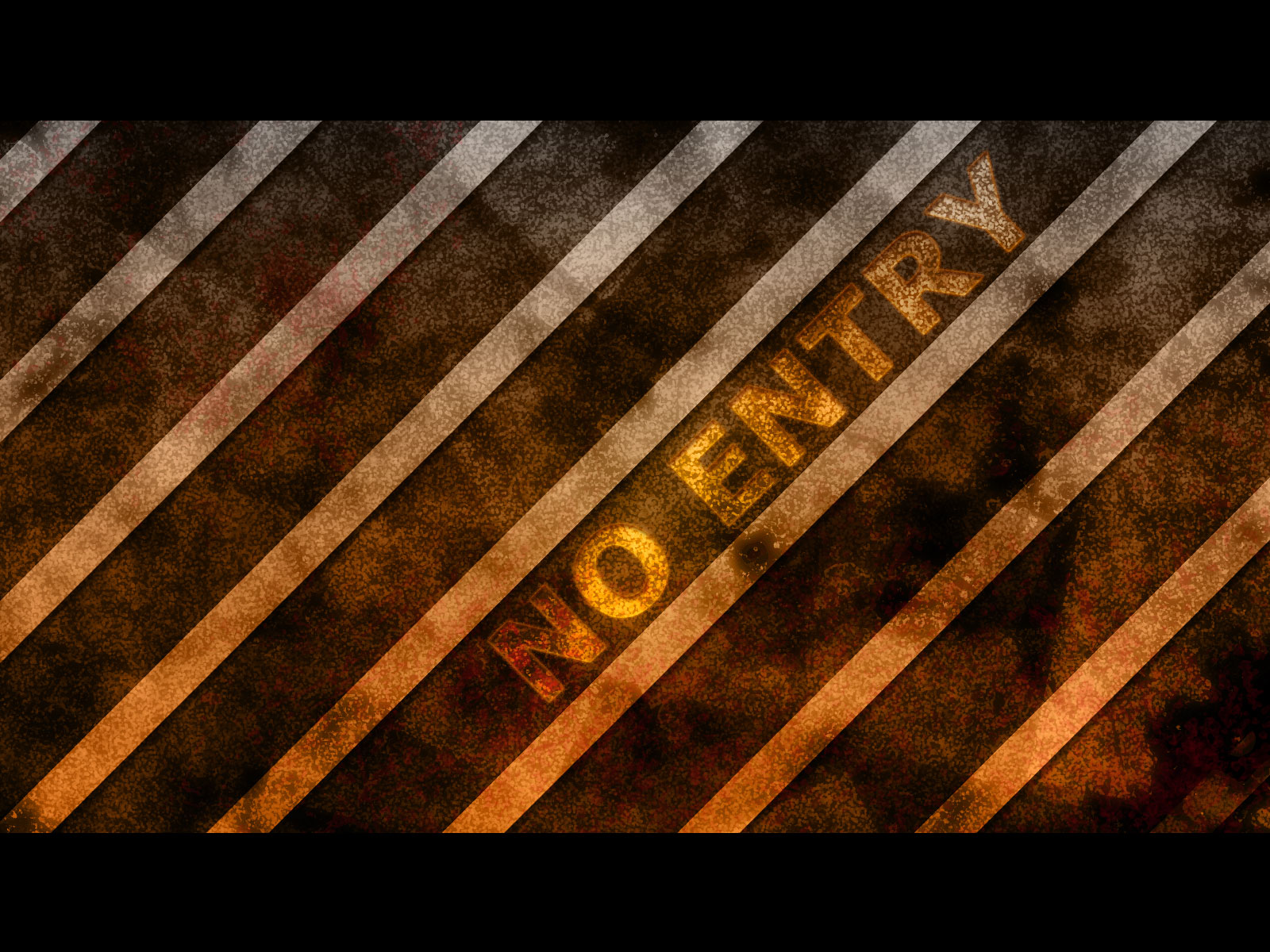
Custom brush try
Here is my custom brush try in Photoshop. Special thanks to http://www.photos8.com/ for providing quality photos which I used to convert in brush.


Hope you like! :)
Hope you like! :)
Sunday, October 10, 2010
Matte painting learned from Dylan Cole - Landskape gnomon DVD
Here is matte painting inspired by Dylan Cole - Landskape gnomon DVD with original image took from www.photos8.com/ (free photos)
Before -
After -
Comments and suggestions are welcome!
Before -
 |
| Original plate |
 |
| Matte painting |
Comments and suggestions are welcome!
Sunday, August 1, 2010
Matte painting tips and tricks!
I tried my best to learn Matte painting at my best, in which lots of mine friend help me with video tutorial and lots of inspiration arts. I agree that yet I am not good enough in Matte painting but I am trying.
While watching lots of tutorials I have jot down some important points about Matte painting as following.
- Use plate for matte painting, plate is nothing but a digital photo, which help us to know the horizon, vanishing point and perspective as that was already present in the photo.
- While blocking shapes use various colors from the plate only so that the shapes will not look fake or pasted.
- Set your light source so that you can paint light, highlight and shadow.
- Whenever you get confused about the shadow, take help of 3D application. Draw basic boxes and planes and use light which cast shadow. It surely give you real shadow flow and position.
- Use dry type brush to draw an object and play with the opacity of brush to show shadow and highlight.
- For haze and mist rather than using any brush use soft brush it help to merge that in our composition.
- If you are using "pen tablet" set brush opacity to pen pressure so that harder you press brush more it look thick.
- Rather than painting every stuff manually use photos as texture and just paint on them.
- Use less amount of detail where objects are very far from the camera.
- Rotate canvas horizontal to vertical so that you get idea about your composition mistakes.
- Zoom out till composition look like thumbnail, it may sound funny but when you look composition in thumbnail you will know how your detail is looking and where to add more detail.
Tuesday, July 20, 2010
Few of my 3D works
Hi all,
I have uploaded few of my 3D work here, let me know if you have any suggestion and comments on them.
And here is my group where I post tutorials - photoshop in Opera.
Adhir Pandit.


I have uploaded few of my 3D work here, let me know if you have any suggestion and comments on them.
And here is my group where I post tutorials - photoshop in Opera.
Adhir Pandit.


Subscribe to:
Posts (Atom)